A multi-track timeline video editor built into SignStudio. Trim, cut and combine clips, add titles, shapes, transitions and zoom-in moves, balance the sound, then export an MP4 that updates every scene already playing that video on your screens.
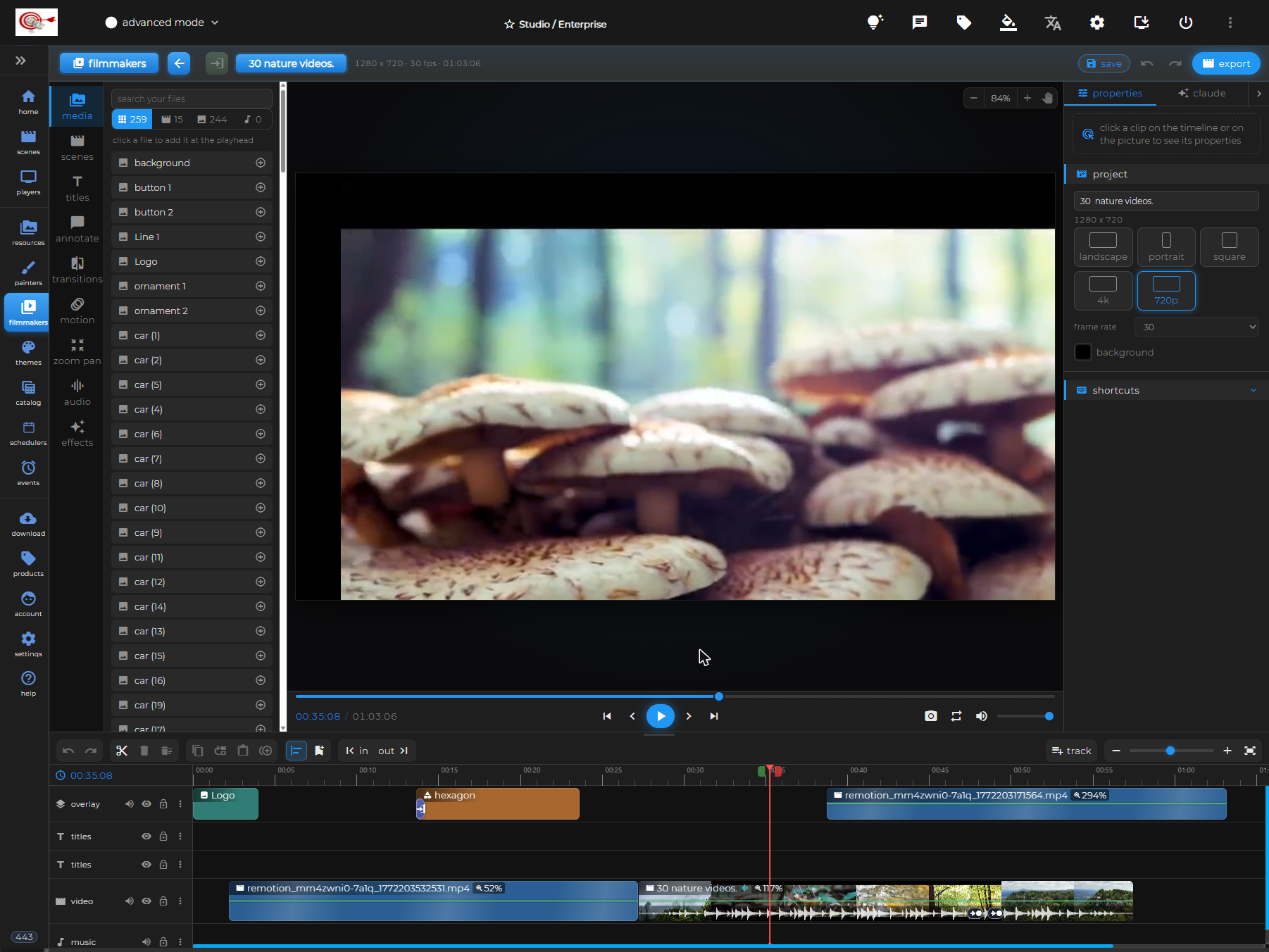
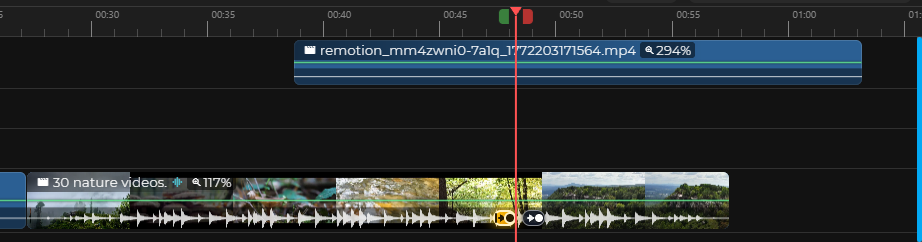
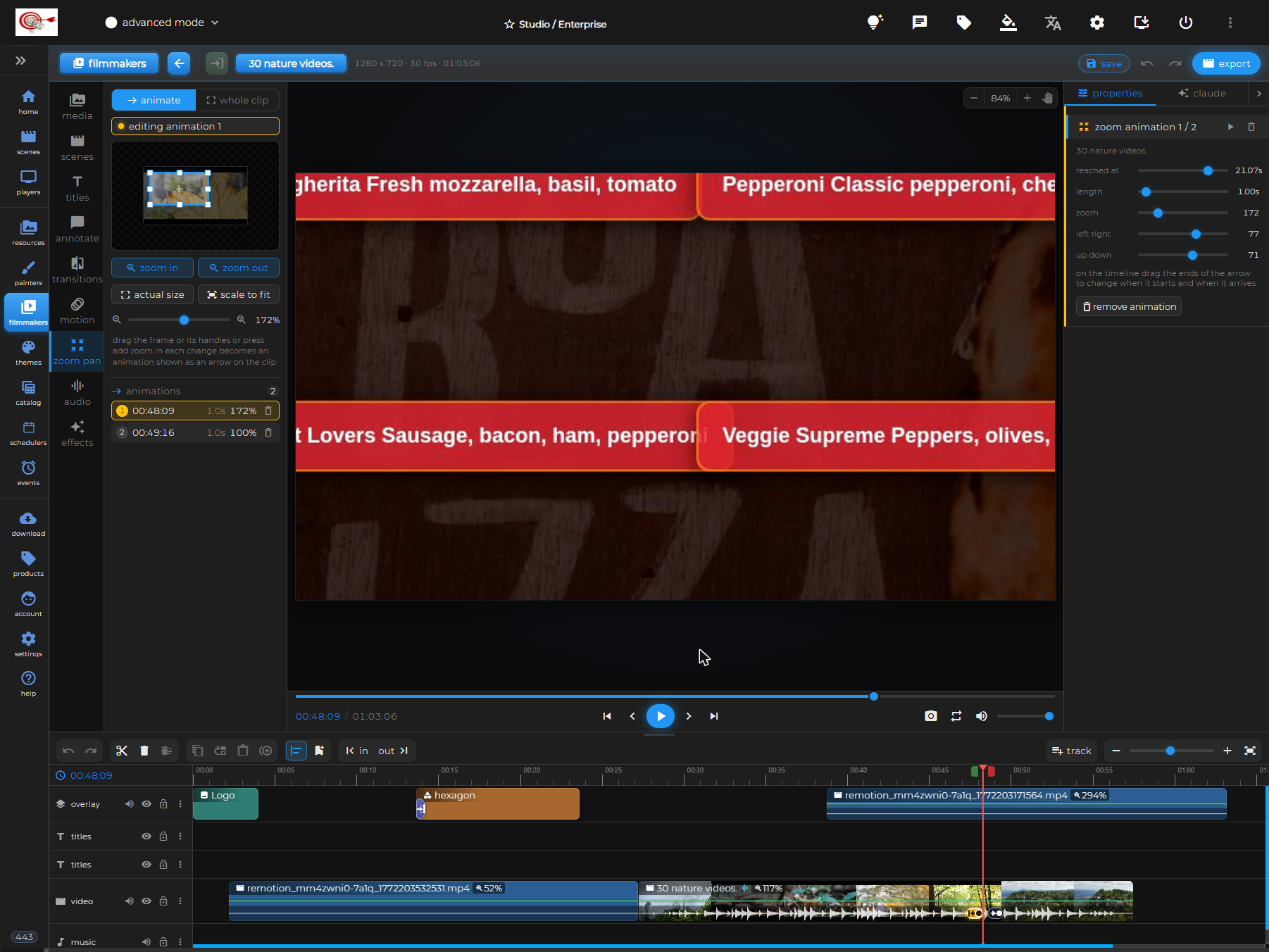
Stack video, pictures, sound, titles and shapes on their own tracks. Each clip shows a filmstrip of its pictures and the waveform of its sound, so you can see where to cut.
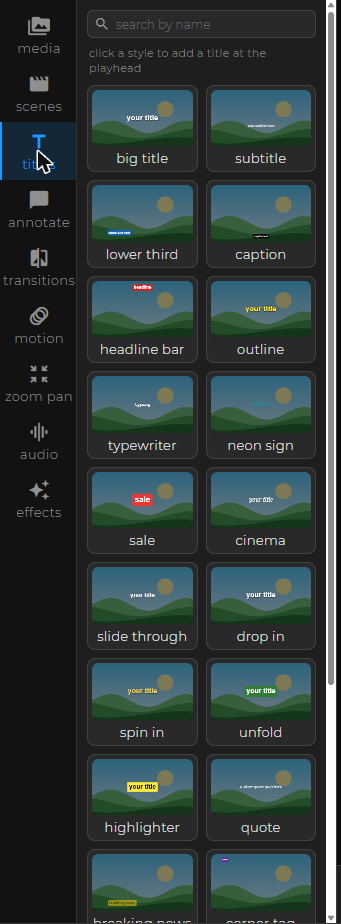
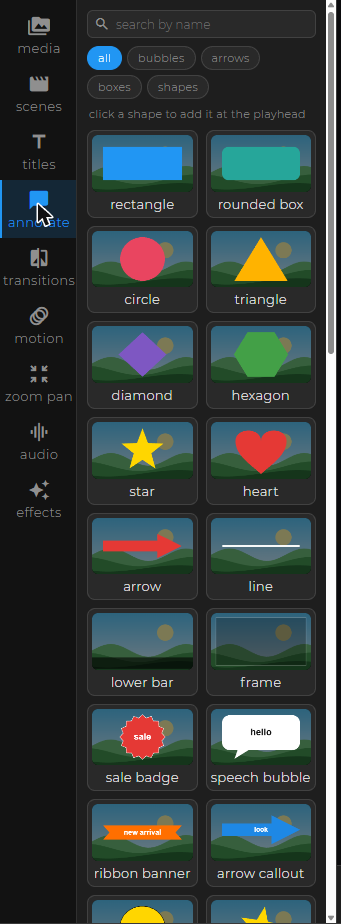
Pick a style from the library and it lands at the playhead. There are 24 title styles, from big title, lower third and caption to typewriter, neon sign, sale, breaking news and corner tag. The annotate tab adds 48 shapes, arrows, boxes and speech bubbles for pointing at a product or a price.
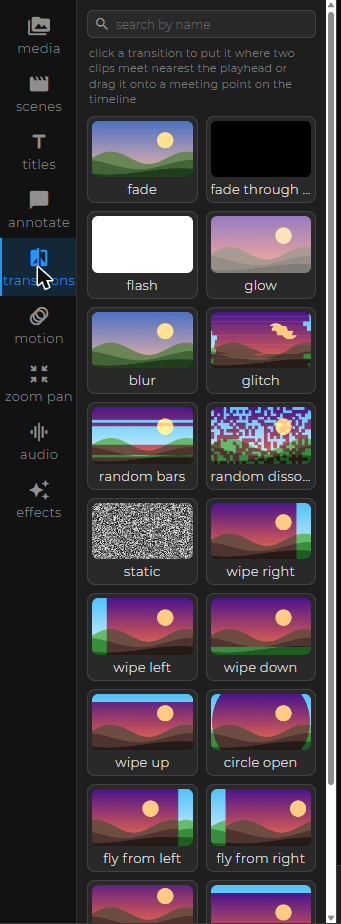
Drop one of 20 transitions (fade, glow, blur, glitch, wipes, circle open and more) where two clips meet. On the timeline a transition is a block you can stretch on either side of the cut, so it starts before the cut and finishes after it.
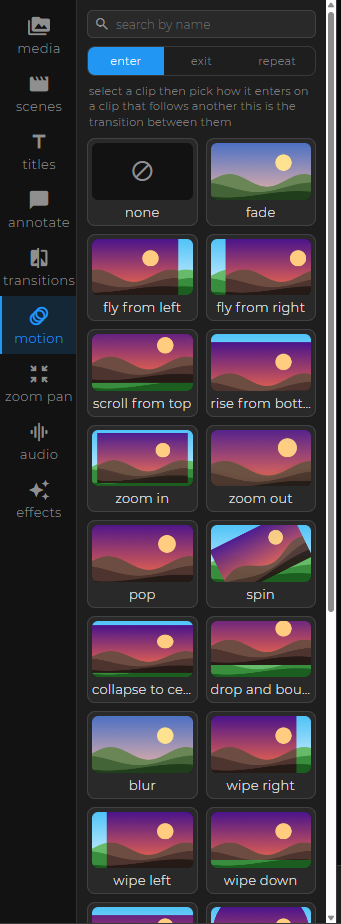
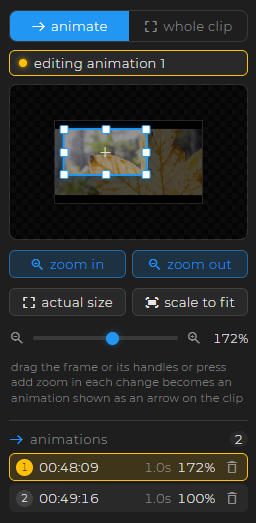
Push in on a price, a dish or a product, pan across the picture and zoom back out. Drag the frame in the zoom panel and Filmmaker makes the move, with a slow start and a slow stop. Each move appears as an arrow on its clip that you can drag to change when it starts and when it arrives.
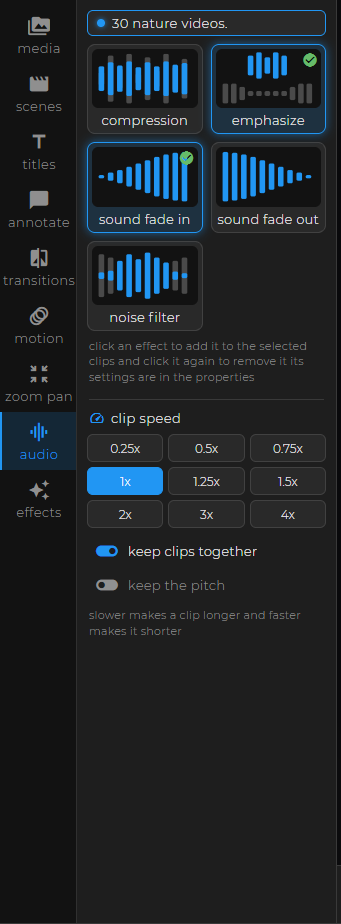
Five audio effects sit one click away: compression evens out loud and quiet parts, emphasize turns the other tracks down while a voice plays, sound fades ease the sound in and out, and the noise filter cuts hum below one frequency and hiss above another.
The noise filter is a filter: it removes hum and hiss bands, it does not remove noise from under a voice.
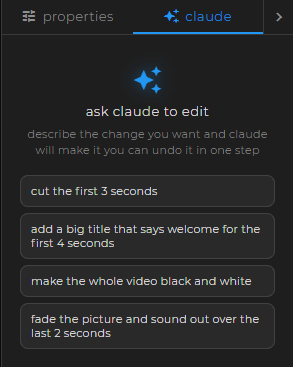
On Enterprise accounts, the Claude tab next to the properties takes plain requests such as "cut the first 3 seconds", "add a big title that says welcome for the first 4 seconds" or "fade the picture and sound out over the last 2 seconds". Claude makes the change in your project as one step, so a single undo takes it back.
Filmmaker knows your account. It pulls in your own files and scenes, and when you export again it swaps the new video into every scene that uses the old one.
Click EDIT on a video in Resources, "edit video" on a video component in a scene, or start a new filmmaker in the library. Landscape, portrait, square and 4K projects are supported.
Every picture, video and sound file in your account is in the media tab, and the scenes tab adds a picture of any of your scenes to the video.
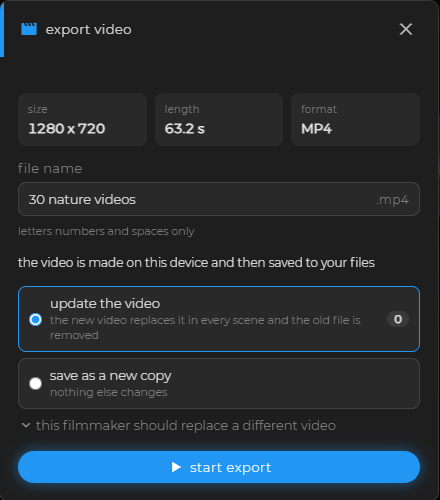
The MP4 is made in your browser and saved to your files. "Update the video" replaces it in every scene that uses it; "save as a new copy" leaves everything else alone.
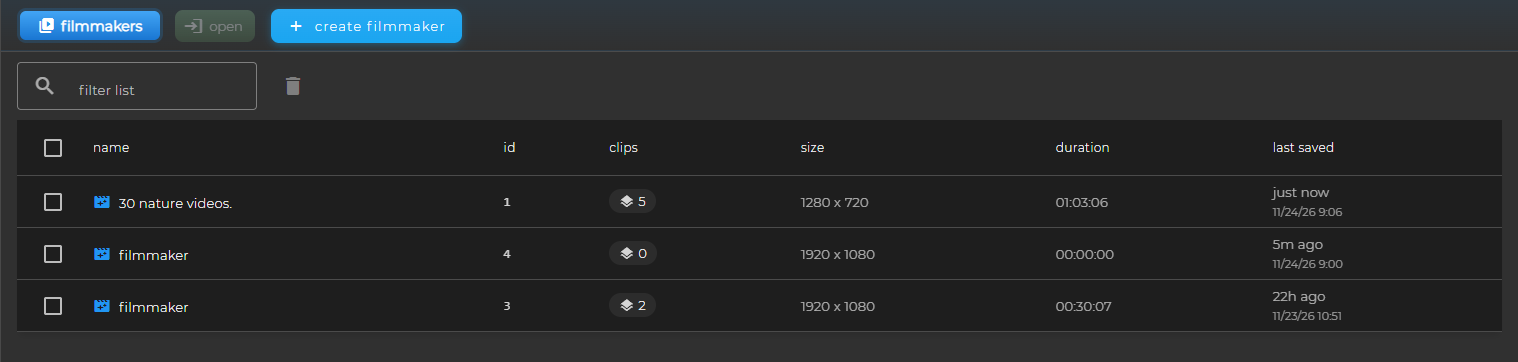
Every filmmaker is a project in your account, listed under Library > filmmakers. Save with the button or Ctrl+S; unsaved edits are kept in your browser until you save.
Split, trim, ripple delete and cut a marked range, with snapping and undo.
Video, overlay, titles and music tracks you can lock, hide or mute.
Big title, lower third, caption, typewriter, neon sign, sale, quote and more.
Shapes, arrows, boxes, speech bubbles, badges and ribbon banners.
Placed where two clips meet, adjustable before and after the cut.
Animated push-ins and pans on video and picture clips.
Compression, emphasize, sound fades, noise filter and a volume line with points.
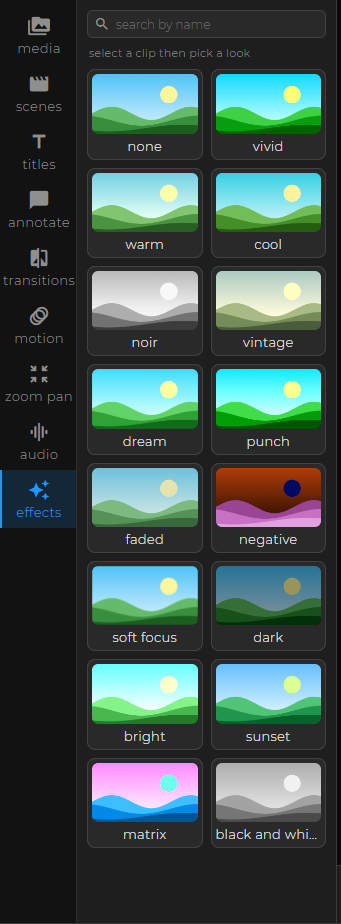
One-click looks plus eight sliders to fine-tune the picture.
Describe a change in plain words and undo it in one step (Enterprise).
Filmmaker is part of SignStudio on the Plus+ and Enterprise plans, in intermediate and advanced mode. Free accounts see an upgrade prompt when they open it.
| Plan | Filmmaker | Price |
|---|---|---|
| FREE (first 3 screens) | Not included | $0 |
| Plus+ | Included | From $3 per screen per month |
| Enterprise | Included | Dynamic pricing |
Plus+ bills every screen once an account has 4 or more. Full details on the pricing page.
Filmmaker is the timeline video editor built into SignStudio, the DigitalSignage.com content editor. It has several tracks of video, pictures, sound, titles and shapes, a live preview, a properties panel, a Claude panel that edits by request on Enterprise accounts, and an MP4 export saved to your account's files.
No. Filmmaker runs in the browser inside SignStudio, and the MP4 is made on your computer in the browser and then uploaded to your files.
Choose "update the video" and every scene that uses the video switches to the new file and is saved; the previous export moves to the resources trash unless something else still uses it. Choose "save as a new copy" to create a separate file and change nothing else.
Plus+ and Enterprise. Plus+ starts at $3 per screen per month; the free plan covers up to 3 screens but does not include Filmmaker.
Filmmaker is designed for signage videos: the sweet spot is 10 to 60 seconds and it targets clips up to about 5 minutes. It is not meant for feature-length films.
Captions, crop, chroma key (green screen) and animation keyframes other than zoom and pan are not built yet.
Start free with 3 screens, then move to Plus+ to unlock Filmmaker.
Checkout live examples of Digital Signage presentations. The SignPlayer can run everywhere, on Android, Windows, Mac, iPad and even inside your web browser
View MoreFind out why people call us “the world’s most popular digital signage platform”
View More Help

 Downloads
 Tutorials
 Login
 Contact Us
 Cart